
What Is Stop Loss on Avanza?
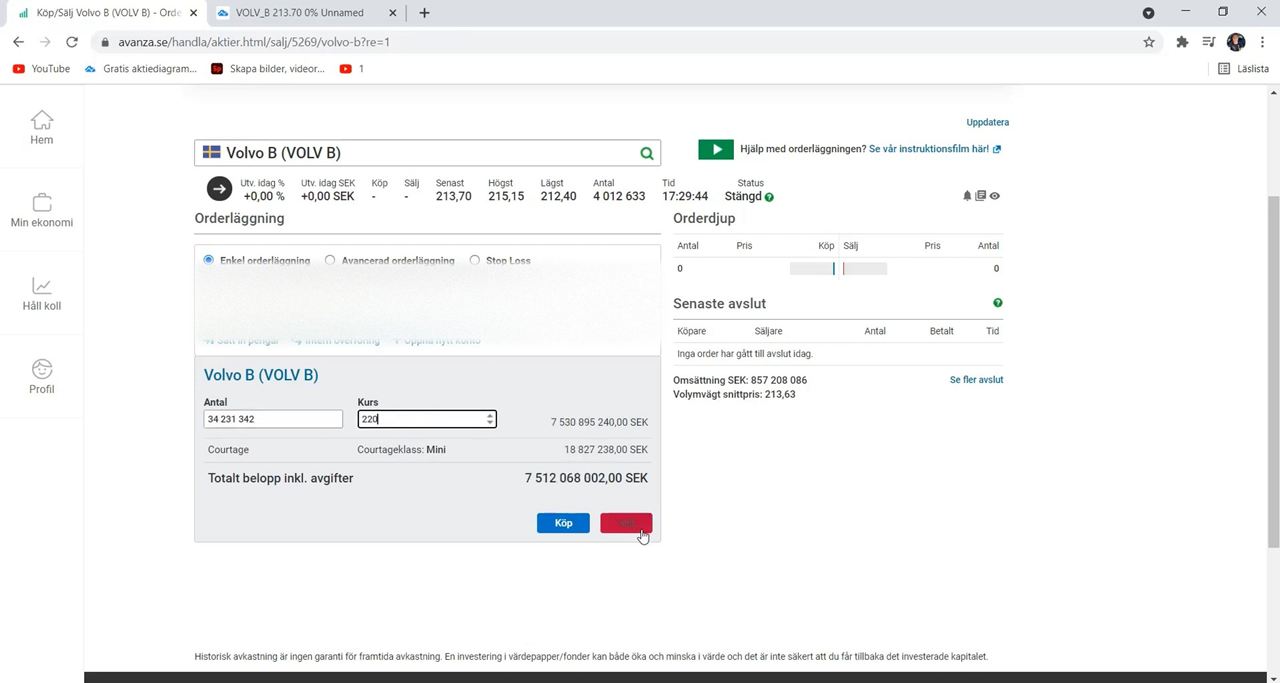 Setting a stop loss on Avanza Bank to help manage risk when trading stocks.
When people first start investing in stocks, one of the biggest challenges is controlling emotions during market movements. Prices can move up and down very quickly, especially in volatile markets, and many beginners struggle to decide when to sell a stock.
This is where the Stop Loss feature on Avanza becomes useful.
Stop Loss is a trading tool that allows you to automatically buy or sell a stock once the price reaches a specific level. Most investors use it to limit losses, but it can also help protect profits after a stock price rises.
Instead of constantly watching the market every minute, Stop Loss can automate part of the process for you.
According to Avanza’s help information, Stop Loss is designed to help investors execute buy or sell orders at selected price levels.

Why Many Investors Use Stop Loss
The stock market can be unpredictable.
For example:
- A stock may suddenly fall after bad news
- Market volatility can happen during economic uncertainty
- Emotional decisions can lead to panic selling
Using Stop Loss helps investors create a clear plan before emotions take over.
The main purposes of Stop Loss are:
- Limiting losses
- Protecting gains
- Automating decisions
- Reducing emotional trading
- Avoiding the need to monitor the market constantly
This tool is especially popular among beginner investors and active traders.
Simple Example of Stop Loss
Imagine you buy a stock for:
- 100 SEK per share
You decide you only want to risk losing:
- 10%
In this case, you can place a Stop Loss around:
- 90 SEK
If the stock price falls to 90 SEK, the Stop Loss order activates automatically depending on the order setup you selected.
This helps prevent larger losses if the stock continues dropping.
Step-by-Step Guide to Using Stop Loss on Avanza
Using Stop Loss on Avanza is relatively straightforward once you understand the basic process.
Step 1: Open the Stock You Want to Trade
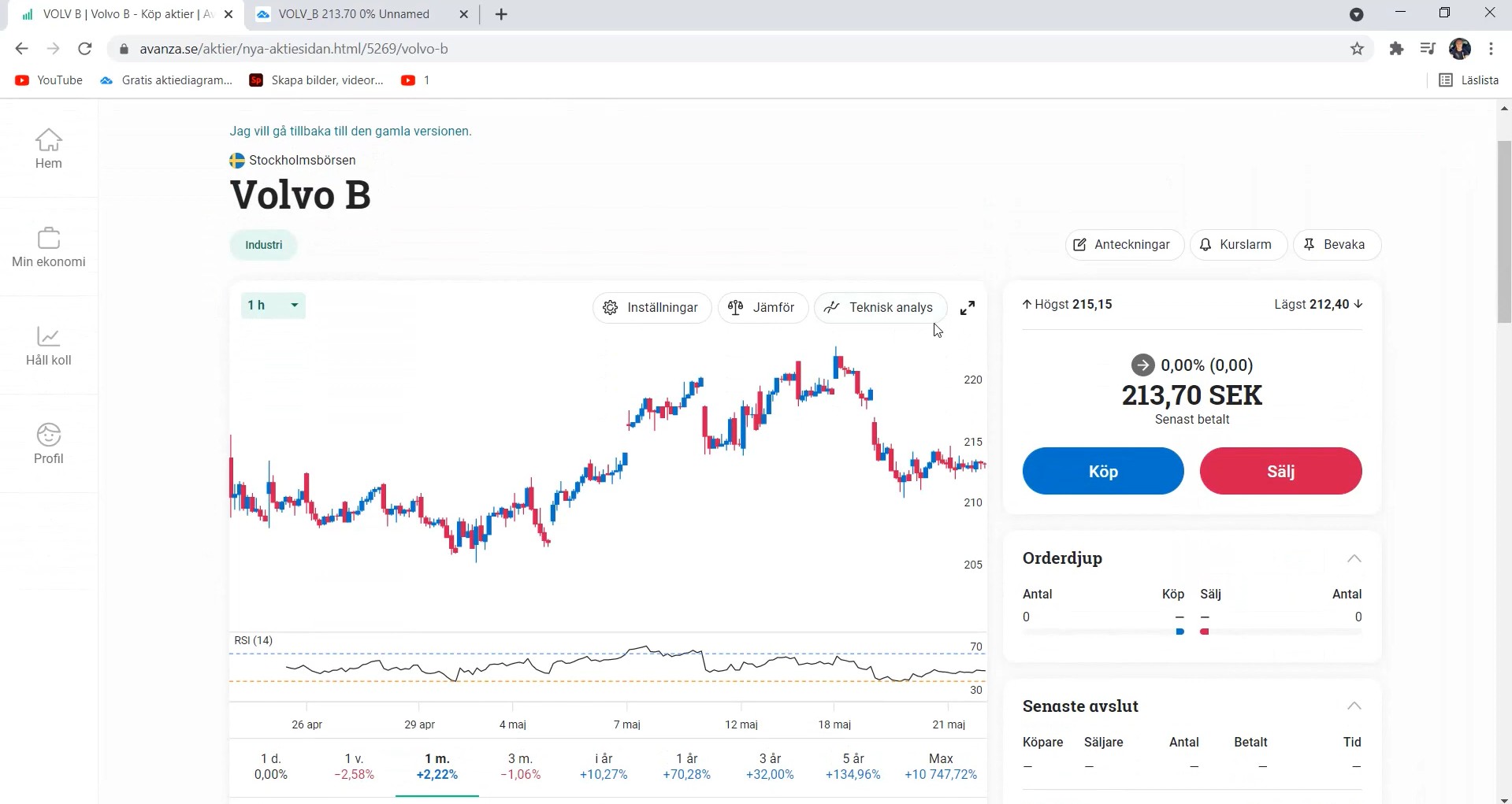 Opening the stock you want to trade on Avanza Bank to review and invest.
Log in to Avanza using:
- The mobile app
- Or the website
Search for the stock you want to manage.
Open the stock page to access trading options.
Step 2: Choose Buy or Sell
Once you are on the stock page:
- Click Buy
- Or click Sell
Most investors use Stop Loss with sell orders, but the feature can also be configured for buying strategies.
Step 3: Open the Settings Menu
Inside the order section, open:
- Advanced settings
- Trading settings
- Order settings
Depending on the interface version, the wording may vary slightly.
Look for the option labeled:
- Stop Loss
Select it to continue.
Step 4: Choose the Trigger Type
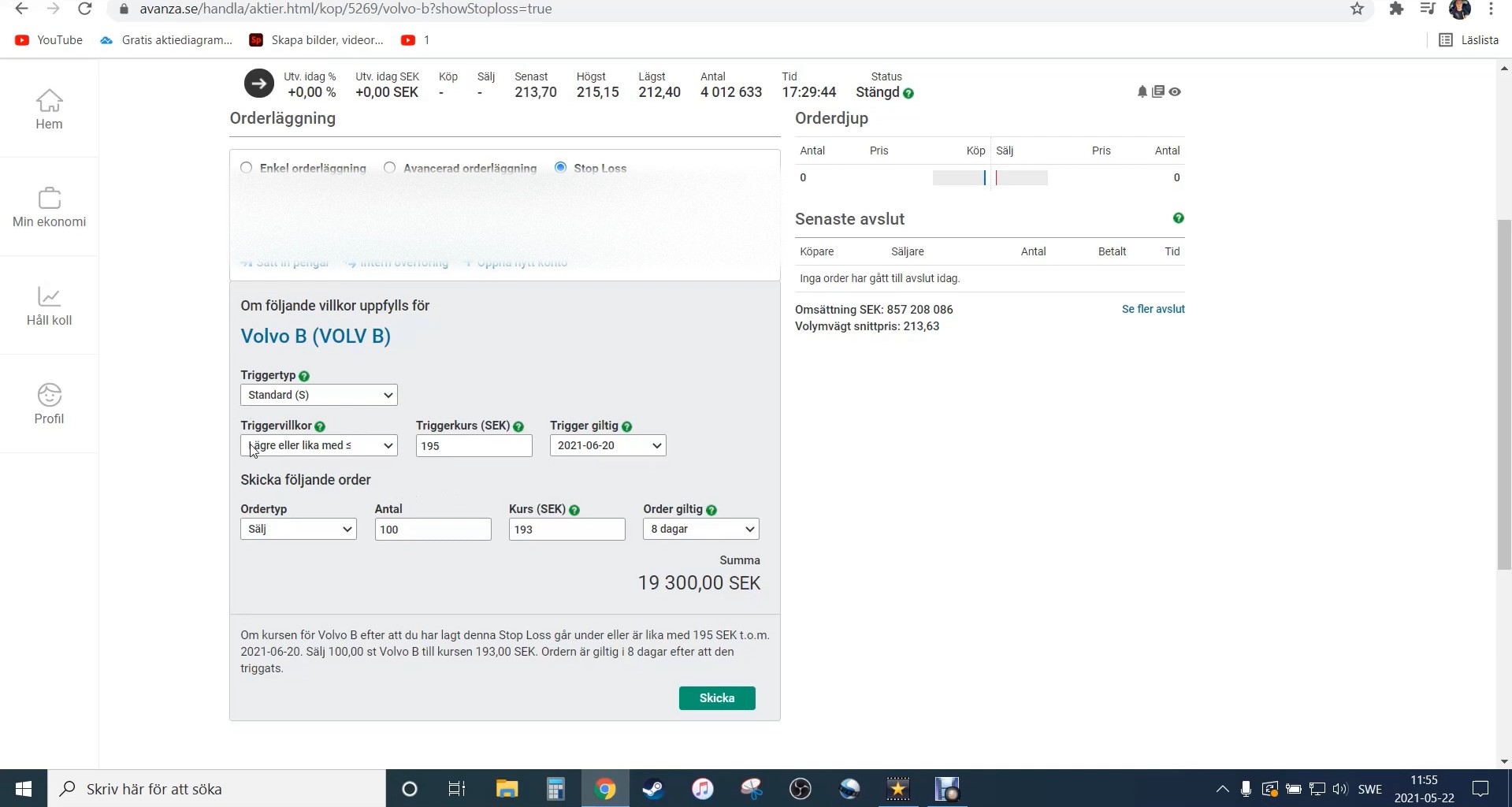 Choosing the trigger type on Avanza Bank to set how and when your investment order is executed.
Avanza allows you to choose how the Stop Loss should activate.
Common trigger conditions include:
- Higher than or equal to
- Lower than or equal to
For example:
- If you want to limit losses, you usually choose “lower than or equal to”
This means the order activates when the stock falls to your selected price.
Step 5: Enter the Trigger Price
Now enter the price where the Stop Loss should activate.
Example:
- Current stock price: 100 SEK
- Stop Loss trigger: 90 SEK
If the market reaches 90 SEK, the order becomes active automatically.
Choosing the right trigger price is important because:
- Too close may trigger unnecessarily
- Too far may allow bigger losses
Many investors use percentage-based limits such as:
- 5%
- 10%
- 15%
depending on their risk tolerance.
Step 6: Select How Long the Trigger Stays Active
Avanza allows you to decide how long the Stop Loss remains valid.
You can usually choose:
- Same trading day
- Several days
- Until manually canceled
Longer validity periods are often used by long-term investors.
Step 7: Choose the Order Type
After setting the trigger:
- Select Buy or Sell order
- Enter the number of shares
- Set the order price
Some investors use:
- Market orders
- Limit orders
Market orders execute at the best available market price, while limit orders only execute at selected prices.
Step 8: Review and Confirm the Order
Before submitting:
- Double-check trigger conditions
- Review share quantity
- Verify prices carefully
Once confirmed, submit the order.
Your Stop Loss order will appear under:
- Orders
- Active Orders
- Pending Orders
inside your Avanza account.
Important Things to Remember
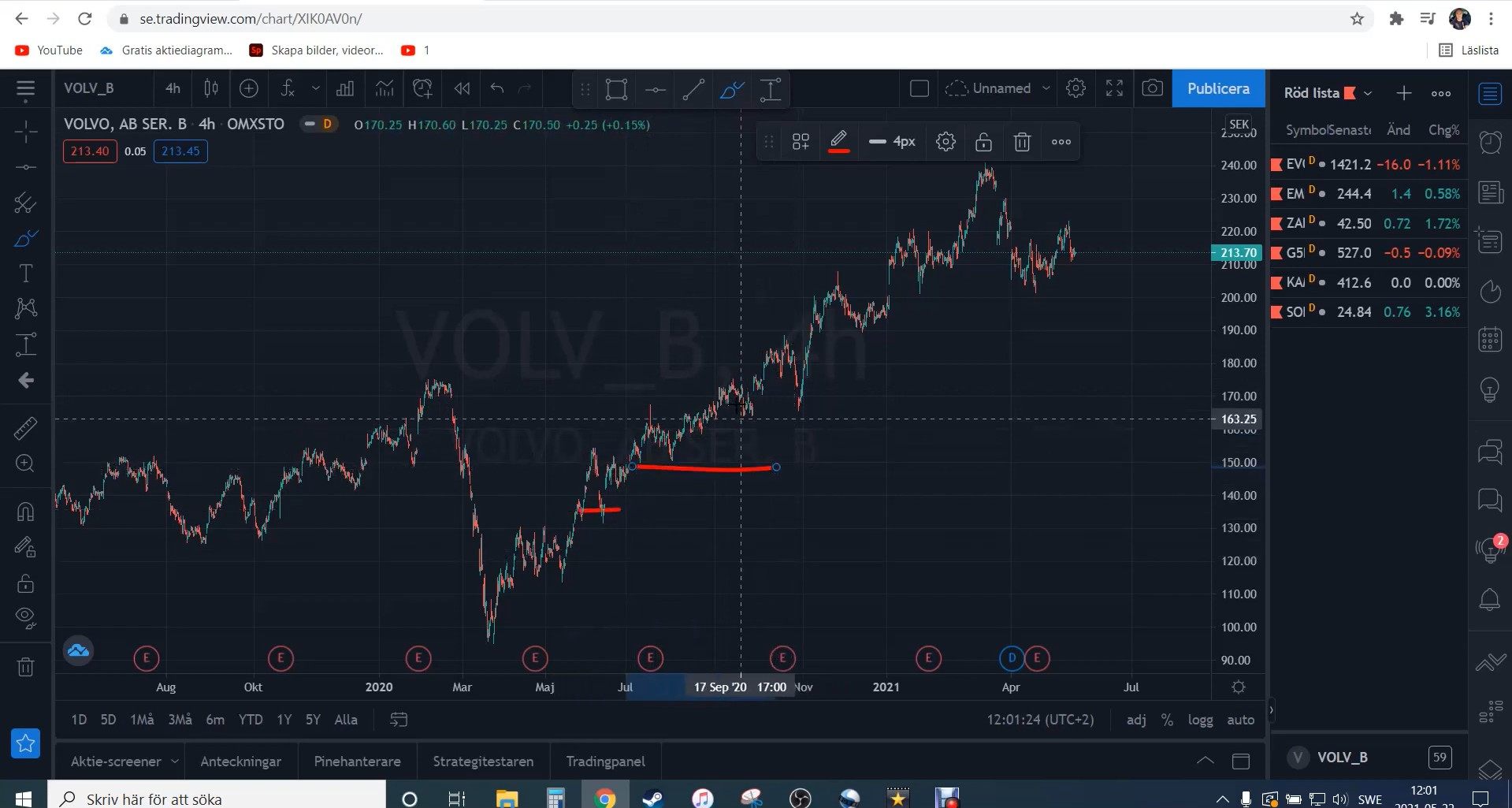 Important reminders for managing your investments on Avanza Bank to help you stay informed and make better decisions.
Stop Loss Does Not Guarantee Exact Prices
During very volatile markets, prices can move rapidly.
This means:
- The execution price may differ slightly from the trigger price
- Large market gaps can affect execution
This is normal in stock trading.
Avoid Setting Stop Loss Too Tight
Many beginners make the mistake of setting Stop Loss too close to the current price.
Small daily fluctuations can trigger unnecessary selling even if the long-term trend remains healthy.
It is important to leave enough room for normal market movement.
Stop Loss Can Help Reduce Emotional Trading
One major advantage of Stop Loss is psychological discipline.
Instead of making panic decisions during market drops, you already have a predefined plan.
This can help investors stay calmer during volatile market periods.
Conclusion
Stop Loss is one of the most useful risk-management tools available on Avanza, especially for beginners learning how to manage stock investments.
The process is relatively simple:
- Open a stock
- Select Buy or Sell
- Activate Stop Loss
- Set the trigger condition and price
- Confirm the order
By using Stop Loss properly, investors can:
- Limit downside risk
- Protect profits
- Reduce emotional decisions
- Trade more systematically
While no strategy completely removes investment risk, Stop Loss can help create a more controlled and disciplined investing approach on the Avanza platform.